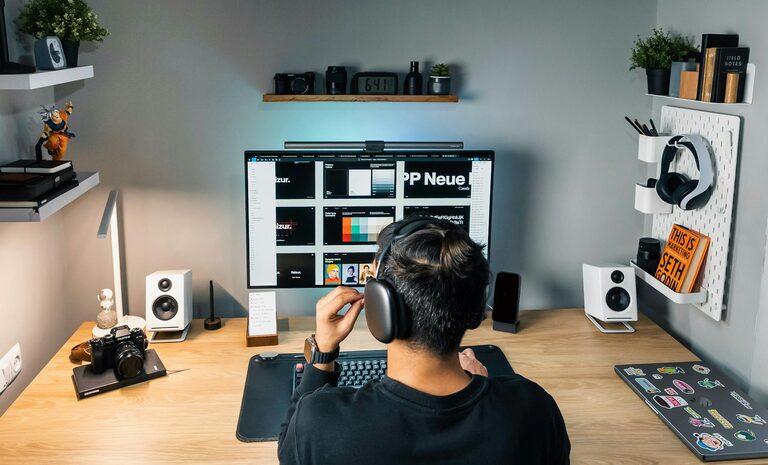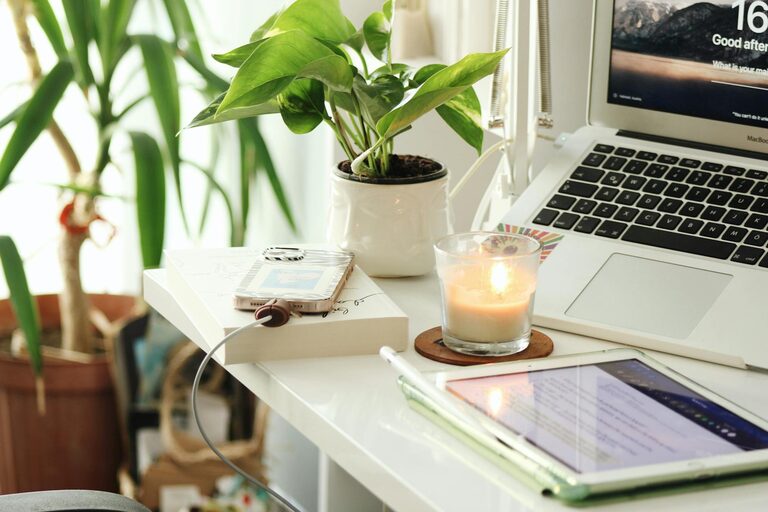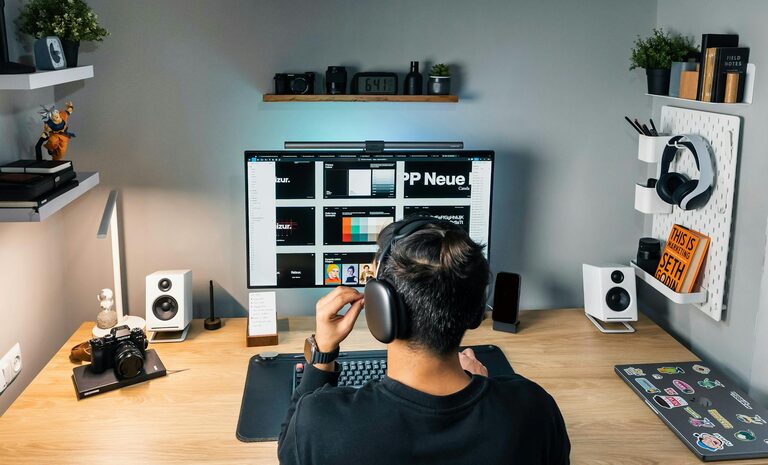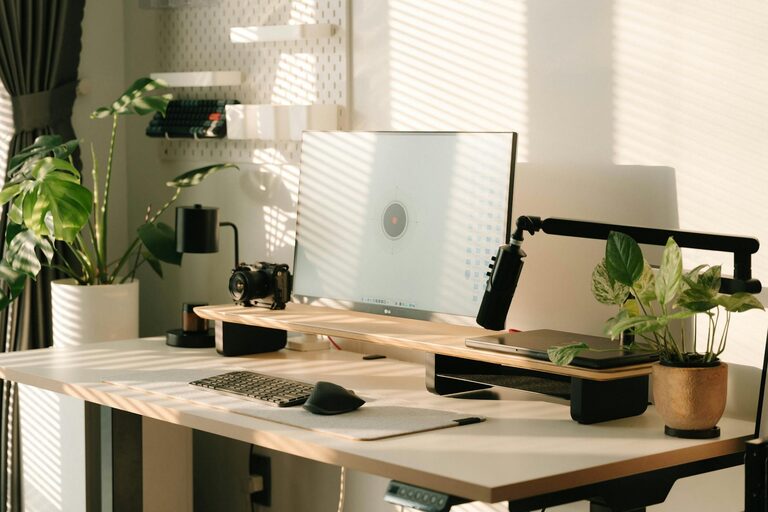










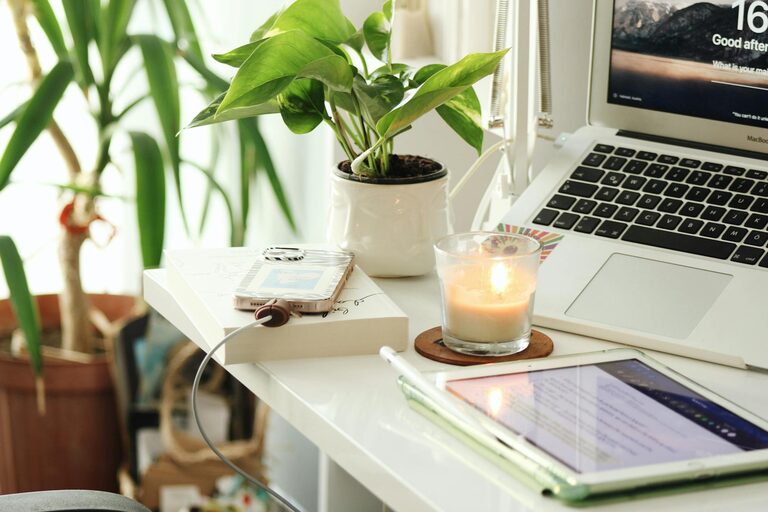
Creating a cozy and productive home workspace is essential in today’s world, where remote work and flexible schedules have become the norm. A well-designed workspace can improve focus, reduce stress, and ultimately boost your overall work performance. Whether you have a dedicated room or a small corner in your living area, you can transform your space into an inviting and efficient hub for your daily tasks.
In this post, we’ll explore practical tips to help you create a home workspace that strikes the perfect balance between comfort and productivity.
Choose the Right Location
Find a Quiet Spot
Start by selecting a space in your home where interruptions are minimal. A quiet corner of a spare room or a section of your bedroom can work well. Having a designated spot signals to your brain that it’s time to focus.
Consider Natural Light
Natural light has a positive impact on mood and concentration. Position your workspace near a window if possible to benefit from daylight. If natural light is limited, invest in good-quality artificial lighting that mimics daylight, such as adjustable LED desk lamps.
Invest in Comfortable and Functional Furniture
Ergonomic Chair
Comfort is key, especially if you spend hours sitting down. An ergonomic chair supports your posture and reduces strain on your back, neck, and shoulders. Look for adjustable features to customize the fit to your body.
Desk Size Matters
Choose a desk with enough surface area to accommodate your computer, notebooks, and any other tools while still leaving space to work comfortably. If space is tight, consider a foldable or corner desk.
Add a Footrest
A footrest can help improve circulation and reduce fatigue during long sitting sessions. It’s a small addition that enhances overall comfort.
Organize for Efficiency
Declutter Regularly
A clutter-free desk helps keep your mind clear. Remove unnecessary items and keep only the essentials within reach. Use cable organizers to manage cords and prevent tangles.
Use Storage Solutions
Storage boxes, shelves, and drawer organizers can keep your supplies neatly arranged. Label containers so you can easily find what you need.
Digital Organization
Keep your digital files tidy with clear folder structures and routinely delete unneeded documents. This complements your physical organization and helps streamline workflow.
Personalize Your Space
Add Personal Touches
Incorporate items that inspire you — photos, plants, or artwork. These elements make your workspace more inviting and can boost motivation.
Use Soothing Colors
Choose colors that create a calm and focused atmosphere. Soft blues, greens, or neutrals typically work well to reduce stress.
Incorporate Plants
Plants not only add visual appeal but also improve air quality and elevate mood. Low-maintenance varieties like succulents or pothos are great for busy schedules.
Establish Good Lighting
Layered Lighting
Use a combination of ambient (overhead), task (desk lamp), and accent lighting to create a balanced and comfortable environment. Adjustable lights prevent eye strain and help maintain energy levels.
Minimize Glare
Position your screen and lighting to avoid glare, which can cause headaches and reduce productivity. Anti-glare screen protectors are also useful.
Set Boundaries and Routines
Define Work Hours
Create a schedule that mimics a traditional workday. Having clear start and end times helps separate work from personal life.
Use ‘Do Not Disturb’ Signals
Communicate your work hours to family members or roommates. Consider a sign or visual cue that indicates when you shouldn’t be interrupted.
Take Regular Breaks
Incorporate short breaks to stretch, hydrate, and rest your eyes. This helps maintain focus and prevents burnout.
Incorporate Technology Wisely
Reliable Internet Connection
Ensure your workspace has strong and stable internet access to avoid disruptions during virtual meetings or online work.
Essential Tech Tools
Use headphones with a microphone for clear communication in calls. External keyboards, mice, and monitors can improve ergonomics and efficiency.
Cable Management
Keep chargers and devices organized to prevent a tangled mess. This not only looks tidier but reduces stress.
Maintain Air Quality and Comfort
Ventilate the Space
Fresh air can improve concentration and reduce fatigue. If possible, open windows periodically or use air purifiers.
Control Temperature
Make sure your workspace stays at a comfortable temperature. Use fans or heaters as needed to maintain a pleasant environment year-round.
Final Thoughts
Designing a cozy and productive home workspace doesn’t require a large budget or a separate room. By focusing on comfort, organization, and personalization, you can create a space that inspires you to do your best work every day. Remember, the best workspace is one that suits your unique needs and promotes a healthy balance between productivity and well-being. Take the time to tweak and adjust your setup as you go, and enjoy the benefits of a workspace that truly feels like your own.