





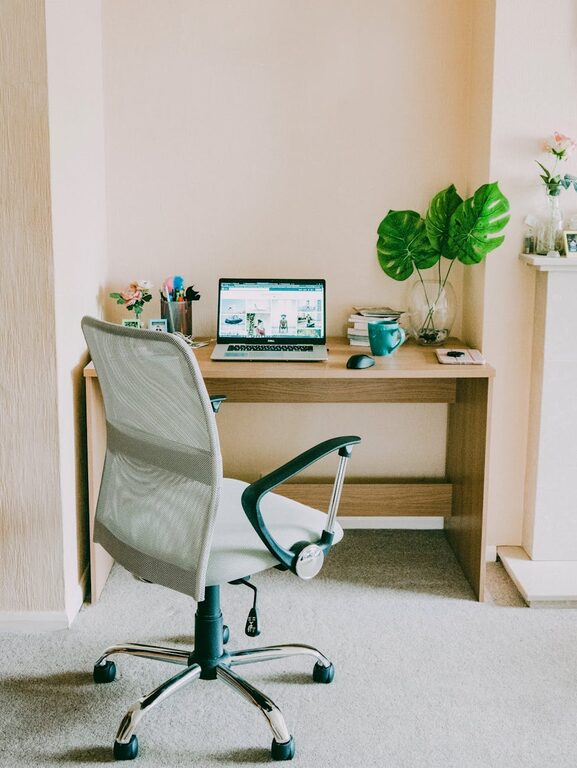
Creating a home office that is both comfortable and productive is essential for anyone working remotely or managing tasks from home. A well-designed workspace can improve focus, reduce stress, and help you maintain a healthy work-life balance. Here are some practical tips to help you create an effective home office space.
Choose the Right Location
Find a Quiet Spot
Select a place in your home where you can work with minimal distractions. Ideally, pick a quiet area away from noise and high-traffic zones.
Access to Natural Light
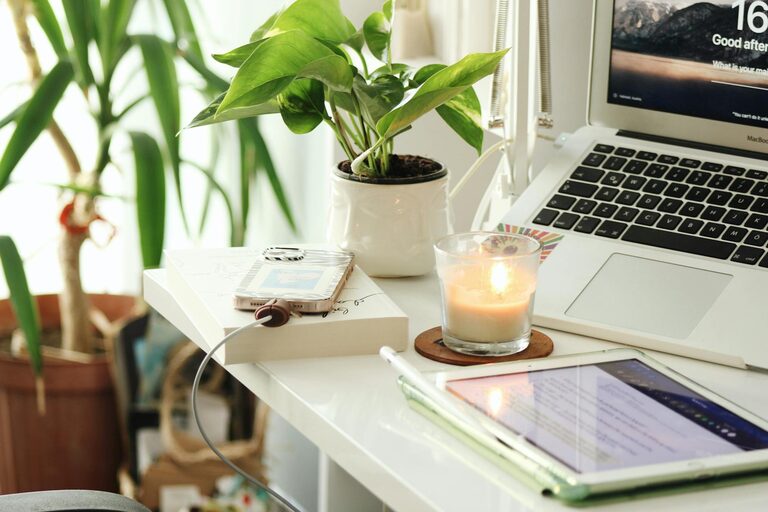
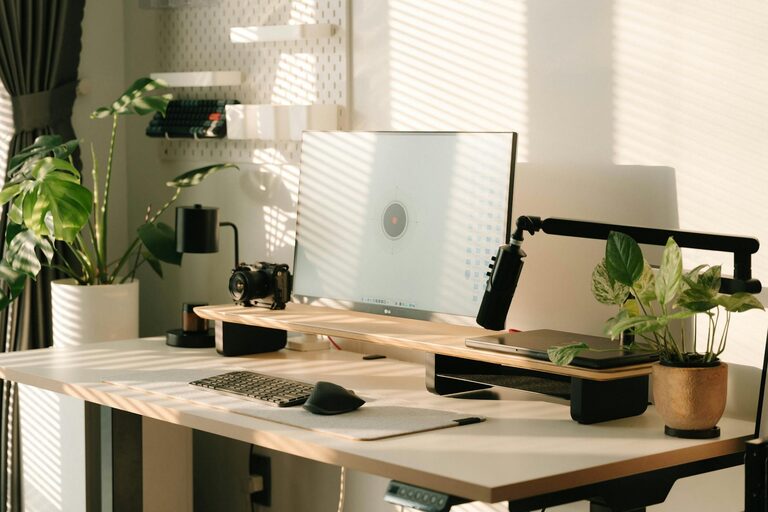
If possible, position your desk near a window. Natural light boosts mood and energy, which can enhance your productivity throughout the day.
Invest in Comfortable Furniture
Ergonomic Chair
A good chair supports your back and encourages good posture. Since you may spend several hours sitting, investing in an ergonomic office chair can prevent discomfort and health issues.
Suitable Desk
Choose a desk that fits your space and provides enough room for your computer, work materials, and any other essentials you need daily. Adjustable desks or standing desks offer flexibility in how you work.
Organize Your Workspace
Keep it Clutter-Free
An organized space limits distractions. Use shelves, drawers, and storage boxes to keep supplies off your desk but within easy reach.
Cable Management
Tidy up cables and cords with clips, ties, or under-desk trays. This not only improves the look of your workspace but also reduces the risk of accidents.
Create an Inspiring Environment
Personal Touches
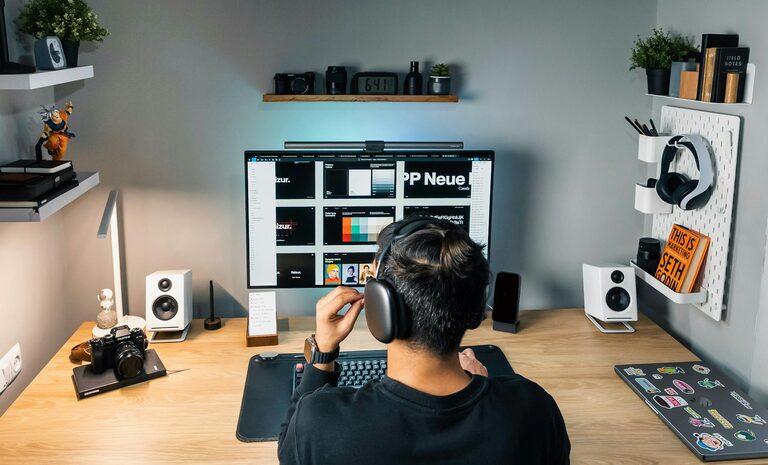
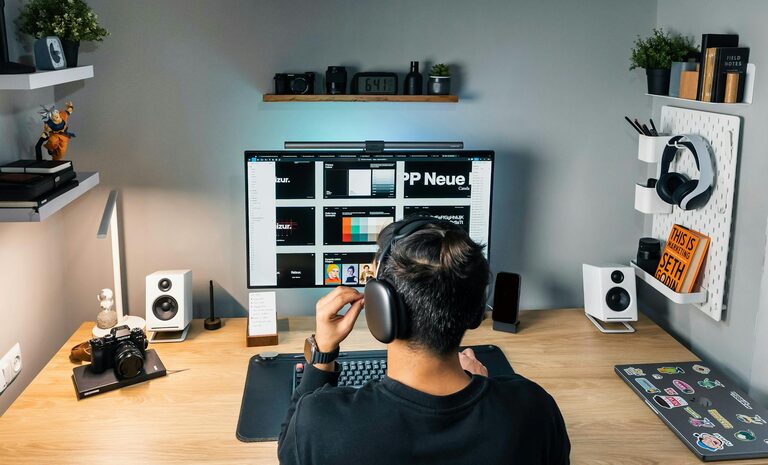
Add personal items like photos, plants, or artwork to make the space inviting and unique to you. These touches can boost morale and comfort.
Use Calming Colors
Colors affect mood and concentration. Shades like blue, green, or soft neutrals can create a calm environment conducive to focus.
Ensure Proper Lighting
Use Task Lighting
Alongside natural light, consider using a desk lamp for focused lighting, especially if you work in the evenings or in rooms without enough daylight.
Avoid Glare
Position computer screens and light sources to reduce glare and eye strain, which can cause headaches and fatigue.
Manage Noise and Distractions
Soundproofing Options
Use rugs, curtains, or acoustic panels to absorb sound. Noise-canceling headphones are also a practical choice if you cannot control ambient noise.
Set Boundaries
If you live with others, communicate your work schedule clearly and set boundaries to minimize interruptions during work hours.
Maintain a Healthy Routine
Take Breaks
Regular breaks boost productivity and prevent burnout. Use techniques like the Pomodoro method to work in focused intervals with short breaks.
Stay Hydrated and Active
Keep water nearby and stretch or move around regularly to stay healthy throughout your workday.
Embrace Technology
Reliable Internet Connection
A strong and stable internet connection is critical for remote work. Consider upgrading your router or using a wired connection for better performance.
Use Productivity Tools
Apps for task management, calendar scheduling, and communication can help you stay organized and connected.
Personalize Your Organization System
Choose What Works for You
Whether it’s notebooks, apps, or calendars, find an organization method that fits your style to keep track of deadlines and goals.
Review and Adjust
Periodically review your workspace and productivity practices. Small tweaks can make a big difference over time.
—
Setting up a home office that suits your needs takes some effort, but the benefits are well worth it. By choosing the right location, investing in comfortable furniture, keeping your space organized, and maintaining a healthy work routine, you can create an environment that supports both comfort and productivity every day.